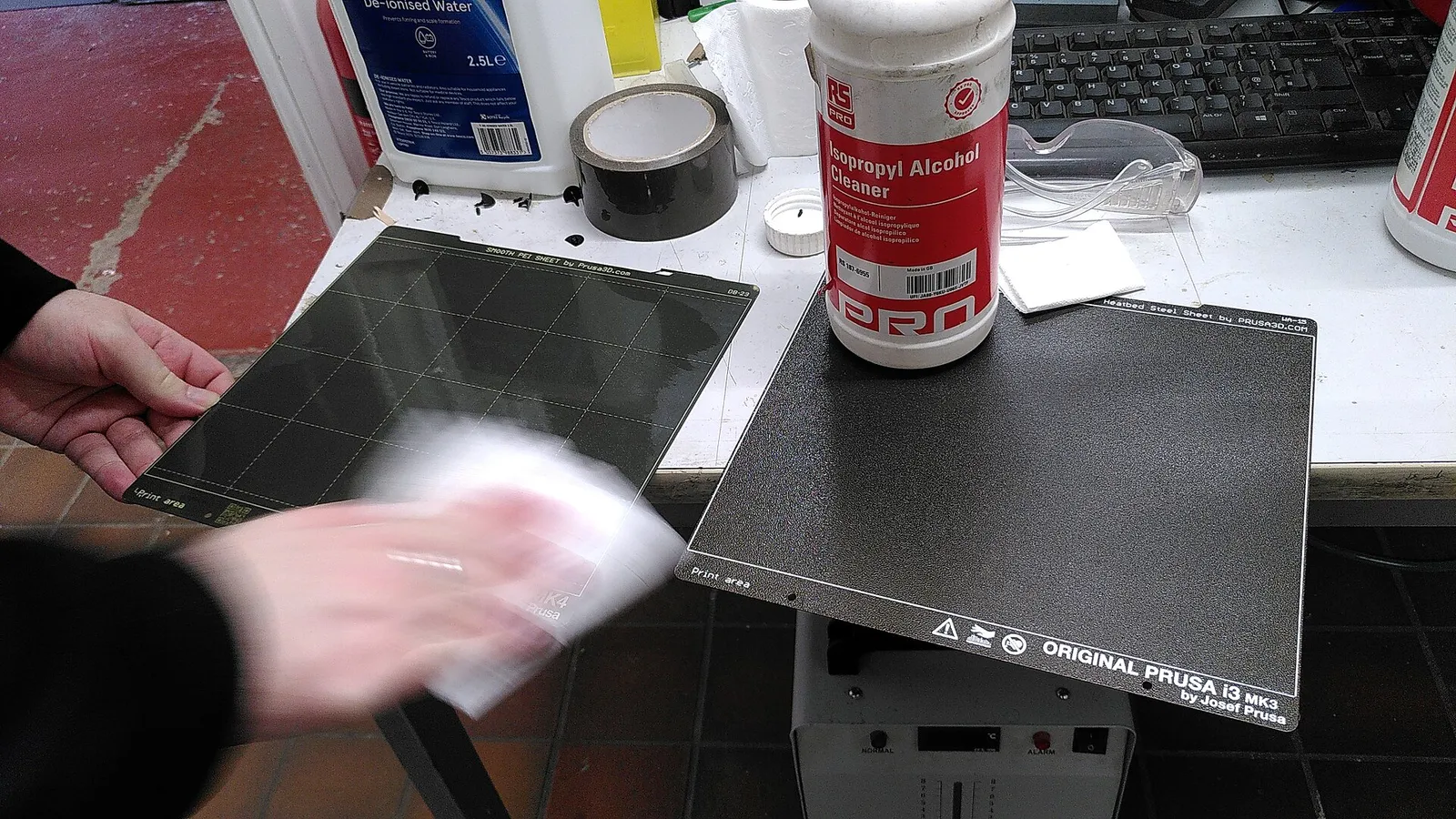
Start with a clean plate
Finger grease is the most common reason prints don’t stick. Handle build plates by the edges, and clean them regularly. Printer makers publish cleaning advice for their own plates — commonly isopropyl alcohol for a quick wipe, and warm water with a little washing-up liquid for a deeper clean. Check the advice for your specific plate type, because some coatings need different care.
Match the surface to the filament
- Smooth PEI gives glossy bottoms and grips PLA well.
- Textured PEI hides marks and releases PETG more easily.
- Some filaments bond too strongly to certain surfaces; your printer maker’s documentation will say which combinations need a release agent such as glue stick.
Let the printer level itself
Most current printers have automatic bed levelling or mesh probing. Run it whenever you swap plates, move the printer or see uneven first layers. If your printer also offers automatic Z-offset or first-layer calibration, run that too.
What a good first layer looks like
- Lines that are slightly flattened and touch each other, with no gaps.
- No ridges or rough, transparent patches (too close).
- No round, separate strands that peel up (too far).
When it still won’t stick
- Clean the plate again — properly, with soap and water.
- Check the plate is the right way up and sitting flat on its magnetic bed.
- Dry the filament if it pops, hisses or strings.
- Add a brim for parts with small footprints or sharp corners.
- Close the door or add an enclosure for warp-prone materials such as ABS or ASA.