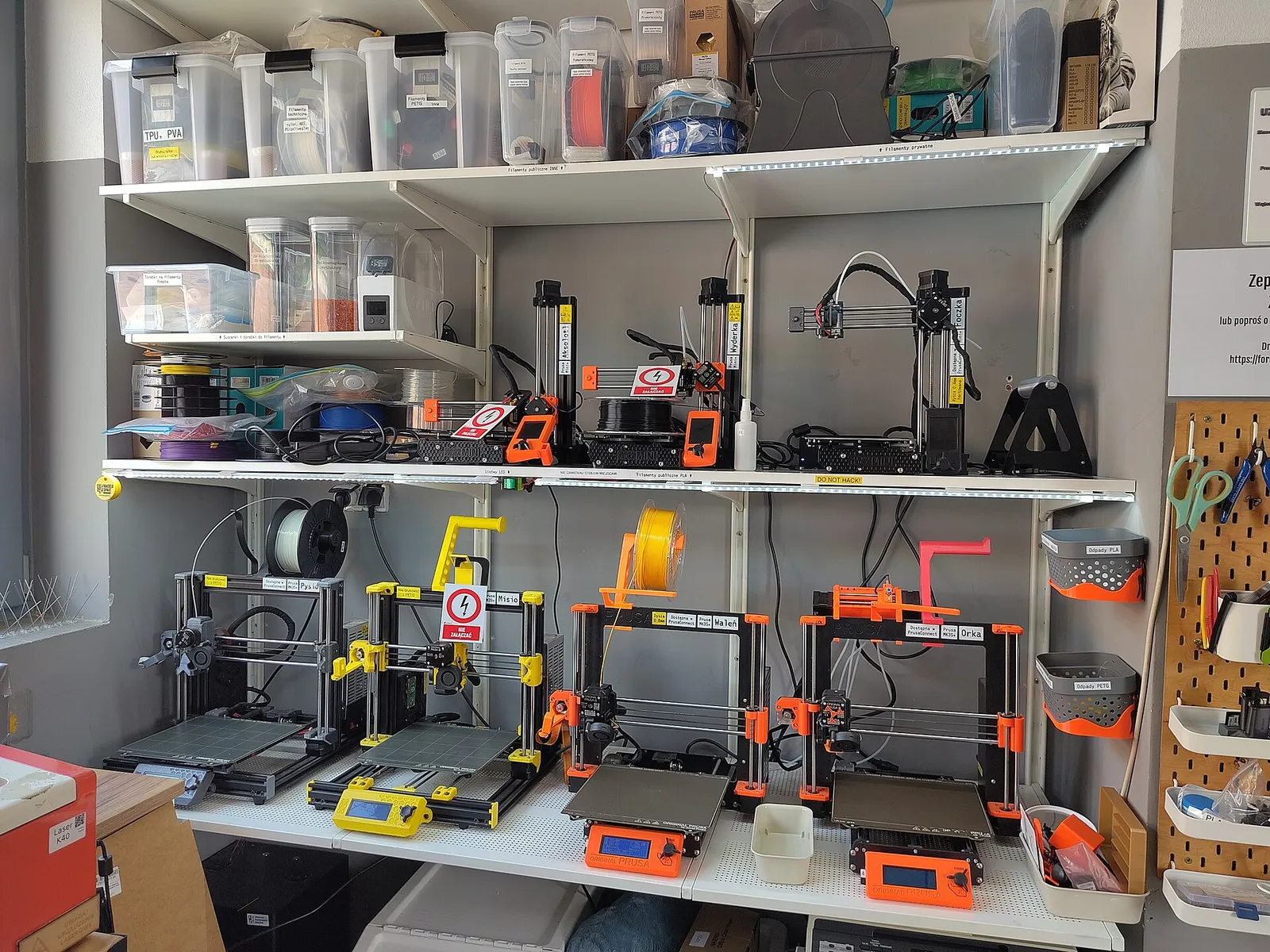
FDM or resin?
- FDM (filament) printers melt a plastic strand and lay it down layer by layer. They suit functional parts, larger objects and multi-colour prints, and the materials are easy to handle. Most people start here.
- Resin (MSLA) printers cure liquid resin with UV light through an LCD mask. They produce much finer detail — ideal for miniatures and small models — but resin needs gloves, ventilation, washing and curing, and careful disposal (Formlabs).
Open frame or enclosed?
Open-frame printers (such as “bed slingers”, where the bed moves back and forth) are simpler and often cheaper. Enclosed printers keep a stable, warm chamber, which matters for warp-prone materials: Bambu Lab recommends enclosed printers for ABS, ASA, PC and nylon, while PLA, PETG and TPU are fine on open printers (Bambu Lab Wiki). Prusa notes ABS needs an enclosure and gives off styrene fumes (Prusa).
An enclosure with filtration also helps with emissions — the University of Edinburgh, citing HSE research, reports filtered enclosures cutting particle emissions to the room by 97–99% (University of Edinburgh).
Multi-colour systems
Several makers now sell automatic filament changers — Bambu Lab’s AMS, Creality’s CFS, Prusa’s MMU, Anycubic’s ACE and Elegoo’s CANVAS, among others. They let one printer switch between four or more spools for multi-colour or multi-material prints. They add cost and complexity, and colour changes usually purge some filament, so decide whether you’ll really use it.
Features that make life easier
- Automatic bed levelling and first-layer calibration remove the most common beginner frustration.
- A built-in camera lets you check prints remotely and record timelapses.
- Filament drying — some multi-colour units can dry filament as they feed it; otherwise budget for a dryer, because damp filament prints badly (Bambu Lab Wiki).
- Open slicer support — check whether you can use your preferred slicer software or only the maker’s own.
Start with PLA
PLA is the easiest material, described by Prusa as suitable for beginners (Prusa), and university safety guides prefer it for lower emissions. Learn on PLA, then move to PETG for tougher parts. See our materials guide.
Buying in the UK
Look for a UK plug or official UK power lead, a UK or EU warehouse for faster delivery and simpler returns, and spares you can actually buy here. Our machine pages note what we could verify about UK availability.